Errors
Running into errors is a natural part of development, whether you code everything by hand or use AI to create the code.
Automatically fixing errors
After each prompt you send, Mimo automatically runs checks for any mistakes and attempts to fix them immediately.
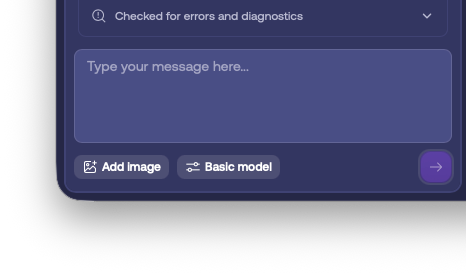
The system will attempt to fix issues up to three times. If the problem persists after these attempts, Mimo will provide a button that lets you easily prompt it to address the error further.
Other cases
Mimo detects errors after implementing new functionality. However, some issues only appear with specific triggers, such as a button click, a page change, or during publishing. Even in these cases, Mimo will still identify the problem and allow you to fix it with a simple click of a button. However, here, the fix won’t be applied automatically.
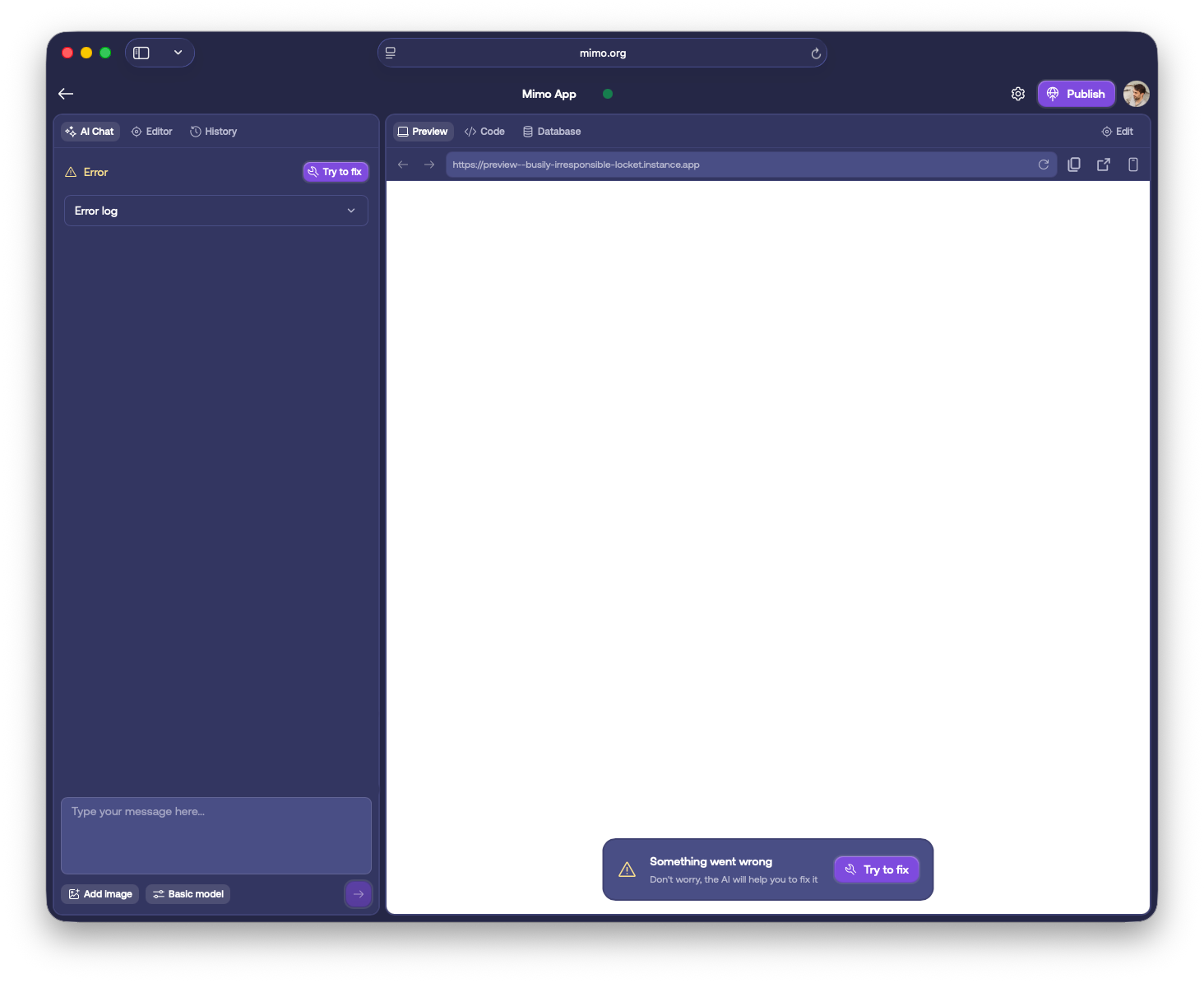
With the click of a button, Mimo helps you resolve the error you see.