History
Every version of your app is persistently stored and accessible through the History tab. This gives you freedom to experiment, knowing you can always revert to a stable version whenever needed.

In the History tab, you can browse through your previous changes and jump back to any old version with a single click.

To restore a version, hover over the view in the History tab. This will reveal the Restore button. Click it to go back in time.
Mimo will restore the version and display it as the latest version in the History tab after restoration.
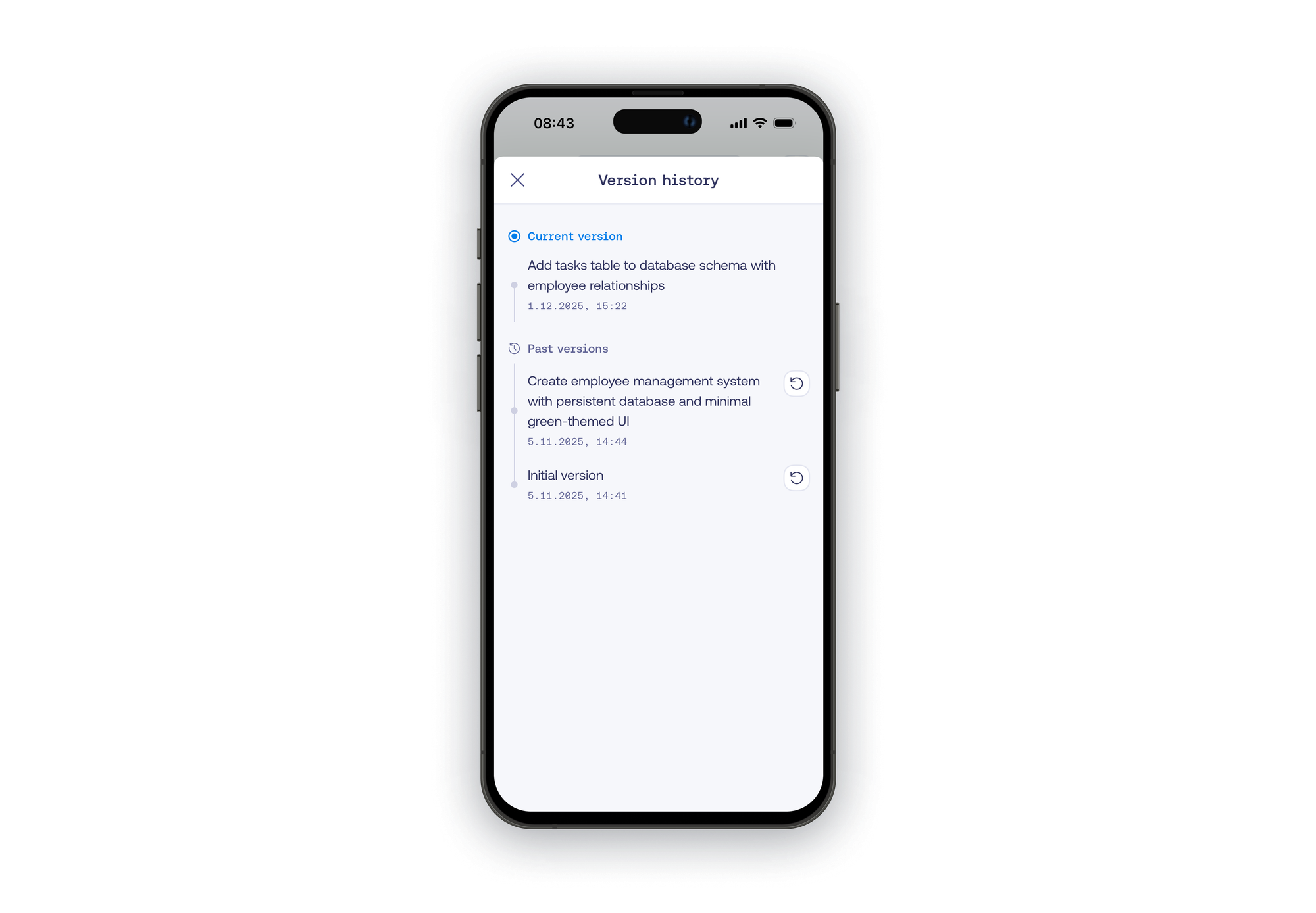
On mobile, you can access your app's history via the History tab.